Tools that cut your edit time. Built by an editor.
Plugins, templates and presets from the editor behind work for NRL, Adidas, Stan Sport and ESPN. Made for the way you actually edit.
Get in before launch.
Thanaflow, Clocked and Rollout go on sale soon. Join the early list and you'll get the launch-day email first, with 15% off that's only for the list. The discount runs for 72 hours from launch.
The shop
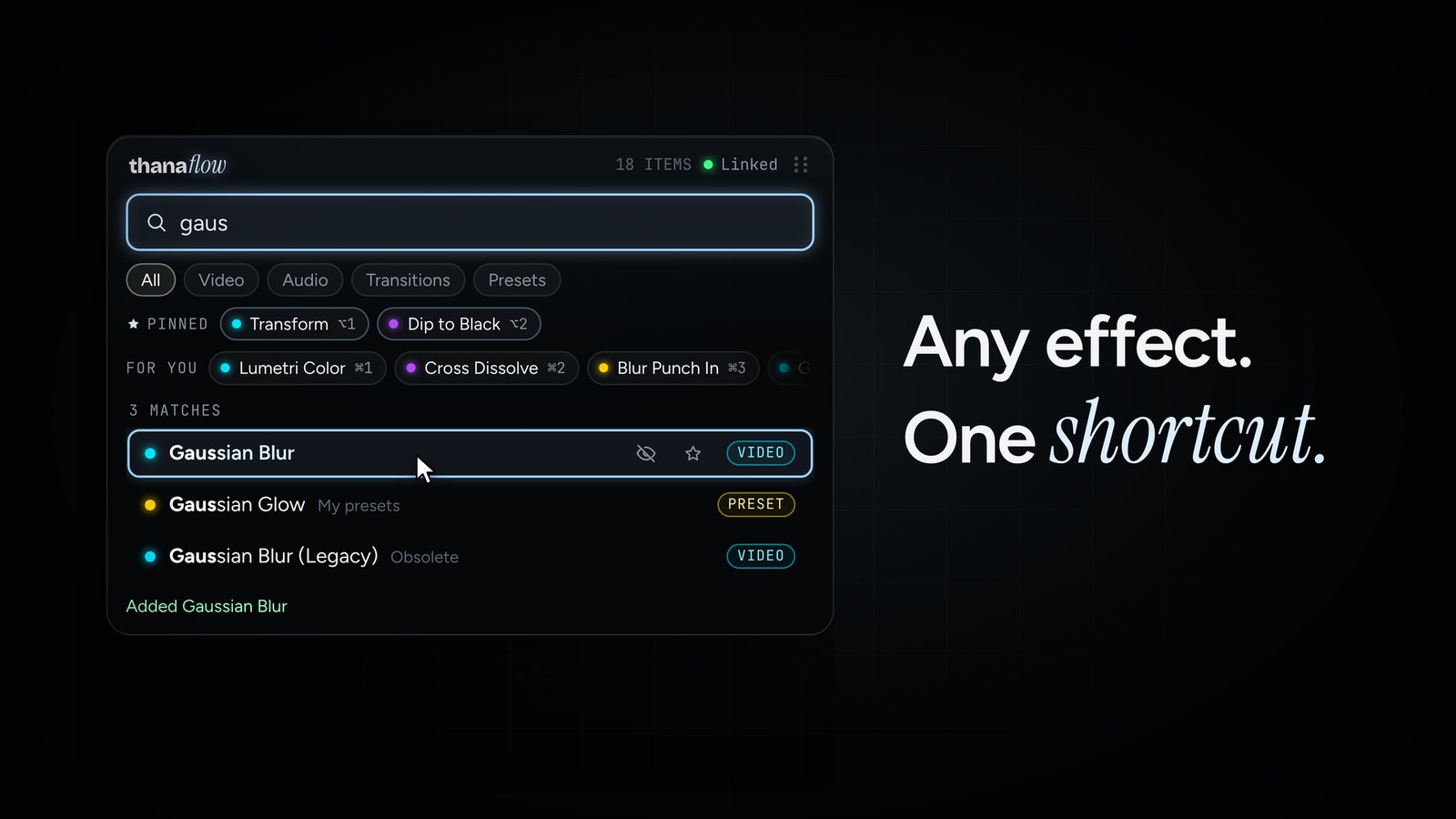
Thanaflow. Any effect, one shortcut.
Stop digging through the Effects panel. Press your shortcut, type, hit Return, and it lands on your clip.
- Every effect, transition and preset in one search, plugins and your own presets included.
- Motion in a line. Type scale 120, pos 960 540 or rot 5 and it's set.
- Adjustment layers with Shift+Return. The effect goes on a new layer above your clips.
- Pin your go-tos, recents ranked by what you use, and six colourways.
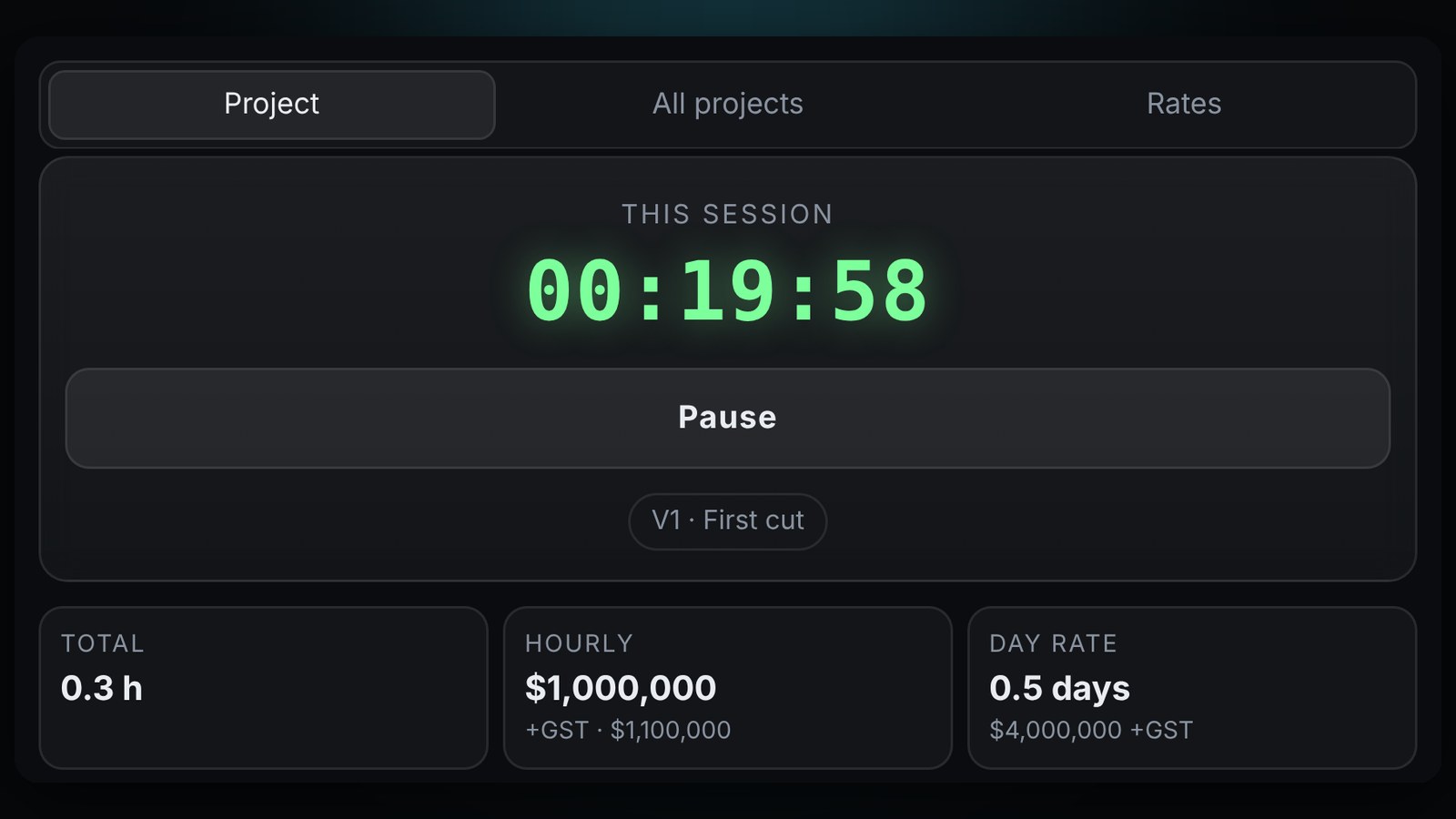
Clocked. Know what every edit actually cost you.
A timer that lives in Premiere and tracks every project on its own. Hours, revision rounds and a quote you can paste straight into an invoice.
- Pops up when you open a project and nudges you if you're editing with the timer off. Idle time doesn't count.
- Revision rounds from V1 to R1, R2 and on. Rounds past what you included get flagged so you bill them.
- Your rates, hourly or day rate, standard or commercial, with GST. Starts you at $1,000,000 an hour. You'll want to change that.
- Rush fee on top at 10, 25, 50, 100% or your own number, right there in the quote summary.
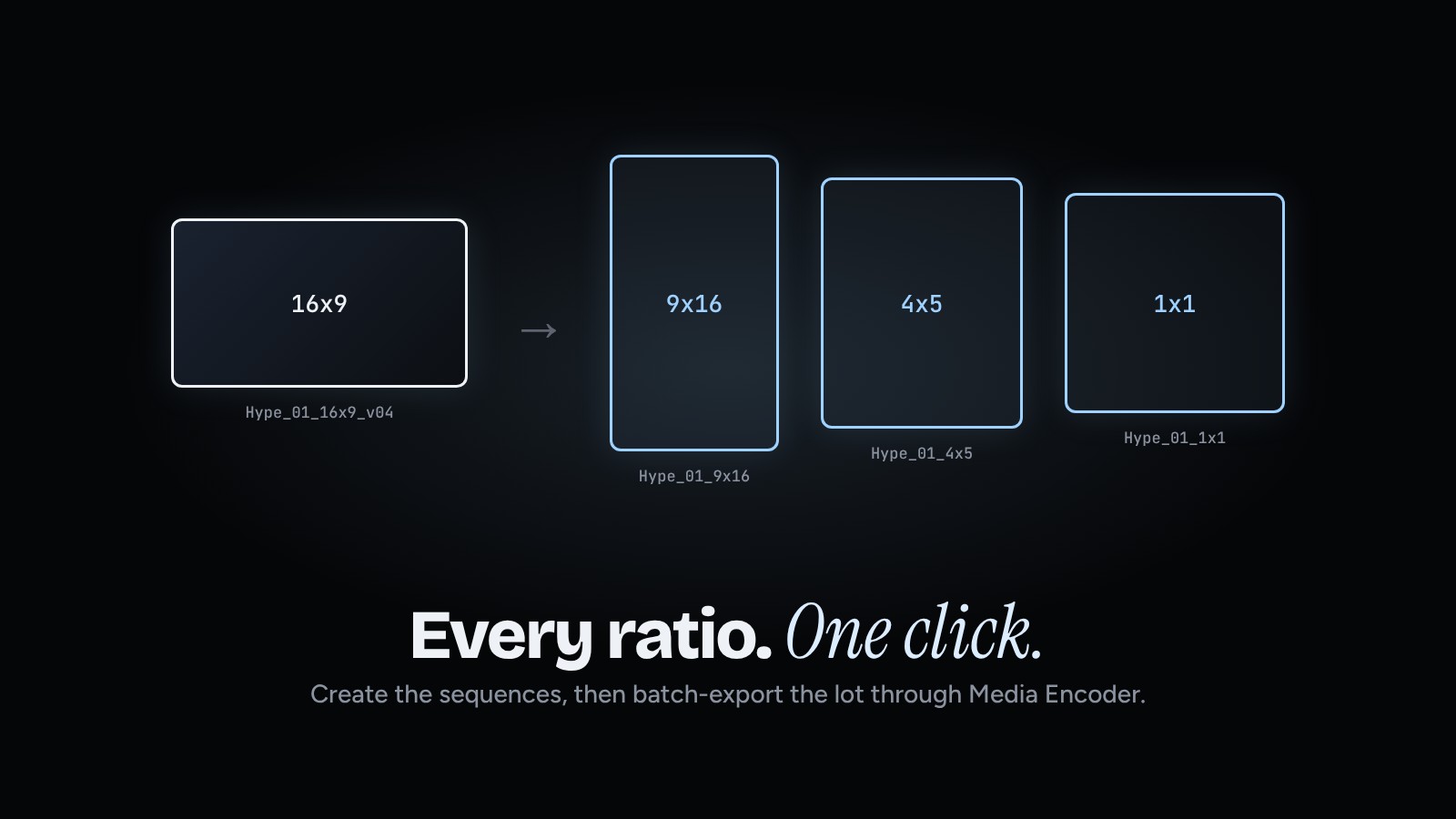
Rollout. Every ratio, one click.
One edit, five ratios, twenty sequences. Rollout builds them all, then exports the lot through Media Encoder while you keep cutting.
- Make sequences in any ratio. Tick 16x9, 9x16, 4x5, 1x1 or 4x3, set how many, HD or 4K. Each one named and binned.
- Copy your hero edit into every ratio, or start them empty.
- Batch export from a bin. Click it, hit Use what's selected, and only your latest versions go. No old v01s.
- Files named after their sequences, your own presets, and it skips anything you've already exported.
How it works
Check out
Secure checkout with card, Apple Pay or Google Pay. Tax is worked out for your country.
Check your email
Your download link and licence key arrive straight away. You can re-download any time.
Install and edit
Run the installer, paste your key once, and it's in Premiere or After Effects next time you open it.
Questions
Which versions of Premiere and After Effects does it work with?
Thanaflow needs Premiere Pro 2025 (25.6) or newer. Thanaflow for After Effects works in After Effects 2021 and newer. Clocked and Rollout work in Premiere Pro 2021 and newer. Rollout exports need Media Encoder installed.
Mac or Windows?
Both. Thanaflow for Premiere runs on Mac and Windows. Thanaflow for After Effects is Mac-first, with Windows coming in a free update. Clocked and Rollout run on both.
How many computers can I use it on?
Your licence covers you on up to two of your own computers, say a desktop and a laptop.
Do I get updates?
Yes. Every update to the version you bought is free, and you'll get an email when one's out.
What if it doesn't work on my setup?
Email support within 14 days of buying and we'll sort it out or refund you.
Lost my download or key?
Open your purchase email and use the link to your orders. Your download and key live there.